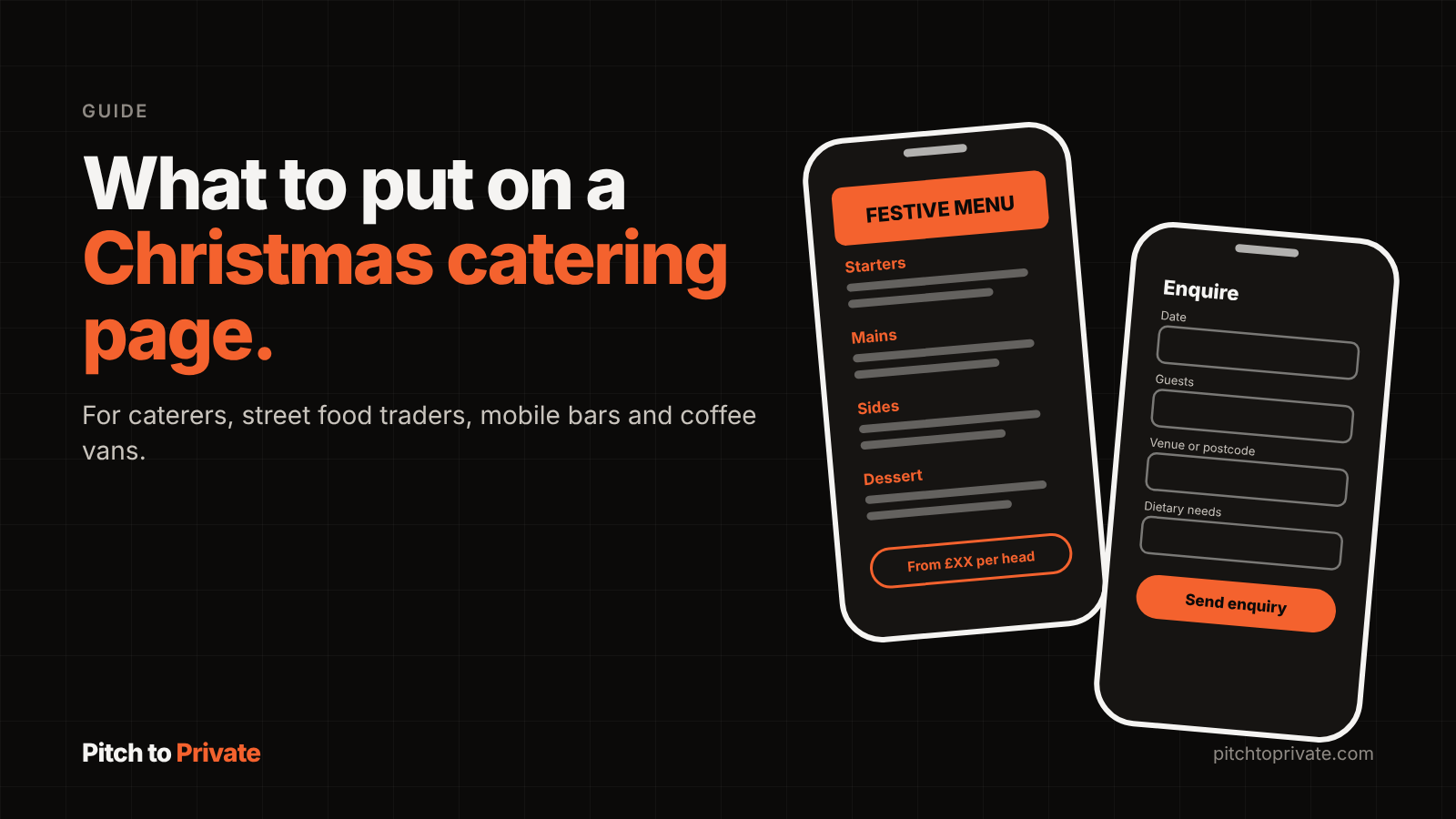
Office Christmas parties are usually organised by someone doing it on top of their day job. An office manager, someone in HR or a team lead with a budget, a headcount that keeps changing and a list of dietary needs. They search, open a few tabs, and send enquiries to the caterers who make it easy to say yes.
A dedicated Christmas page gives that person one place to land. It answers the questions they would otherwise have to ask, and it gives them a link they can forward to whoever signs off the budget.
Timing matters. Feedr's guide to office Christmas party catering tells organisers to "book your Christmas catering as early as possible" and points out that December is the busiest month for caterers. The organisers who plan ahead are searching in October and November, so that is when your page needs to be live.
Your homepage has to cover everything you do. A Christmas page can focus on one job: festive bookings. That focus helps in three ways. People searching for Christmas party catering in your area are looking for a page that talks about exactly that, so a page whose title, heading and text are about Christmas has a clearer chance of matching their search. It is easy to share, because an organiser can send one link to their manager with everything on it. And it gives your Instagram bio a seasonal link for November and December, so followers who ask "are you doing Christmas?" can find the answer straight away.
Before anything else, an organiser wants to know whether you are an option at all. The top of the page should answer that quickly.
Festive grazing tables, a hot buffet, canapés, a street food stall in the car park, a mobile bar for the evening. Use the names a customer would use.
Office parties, staff lunches, private parties at home, Christmas markets, school and club events.
Your area in plain terms, such as "Birmingham and the Black Country" or "within 30 miles of Leicester".
Your minimum and the largest group you can serve. This saves both of you a wasted conversation.
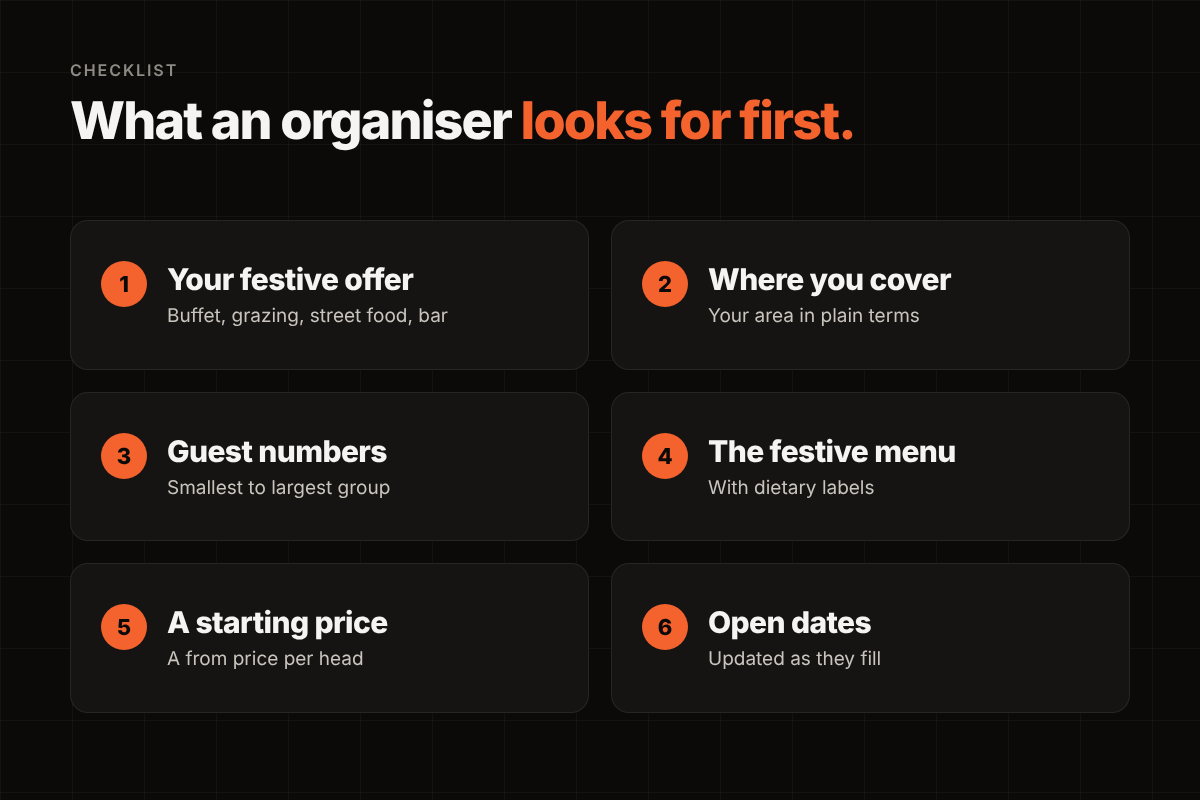
A festive menu is often the thing that gets a page shared around an office. Lay it out clearly, with sections that match how you actually serve it, and label vegetarian, vegan and gluten free options.
Dietary needs come up in almost every corporate booking. Feedr's guide advises organisers to collect "dietary restrictions, allergies, and preferences" in advance, so say how you handle allergens and how far ahead you need final numbers. That reassures the organiser before they have even asked.
Prices are worth thinking about carefully. The same guide tells organisers to "define a clear budget per person early on". If they have been handed a figure per head and your page gives a "from" price or a starting package, they can see straight away that you fit. You do not need a full price list. A clear starting point is often enough to turn a browser into an enquiry.
December dates go, and Fridays go first. Say which dates you are taking bookings for, and update the page as dates fill. A short line such as "Now taking bookings for 27 November to 23 December" tells the organiser you are organised and that it is worth asking now.
Only say dates are limited when they are. Organisers notice, and a page that is kept honest and current builds trust for next year as well.
Fixed-price websites for caterers and street food traders, from £200, with an enquiry form built for event bookings.
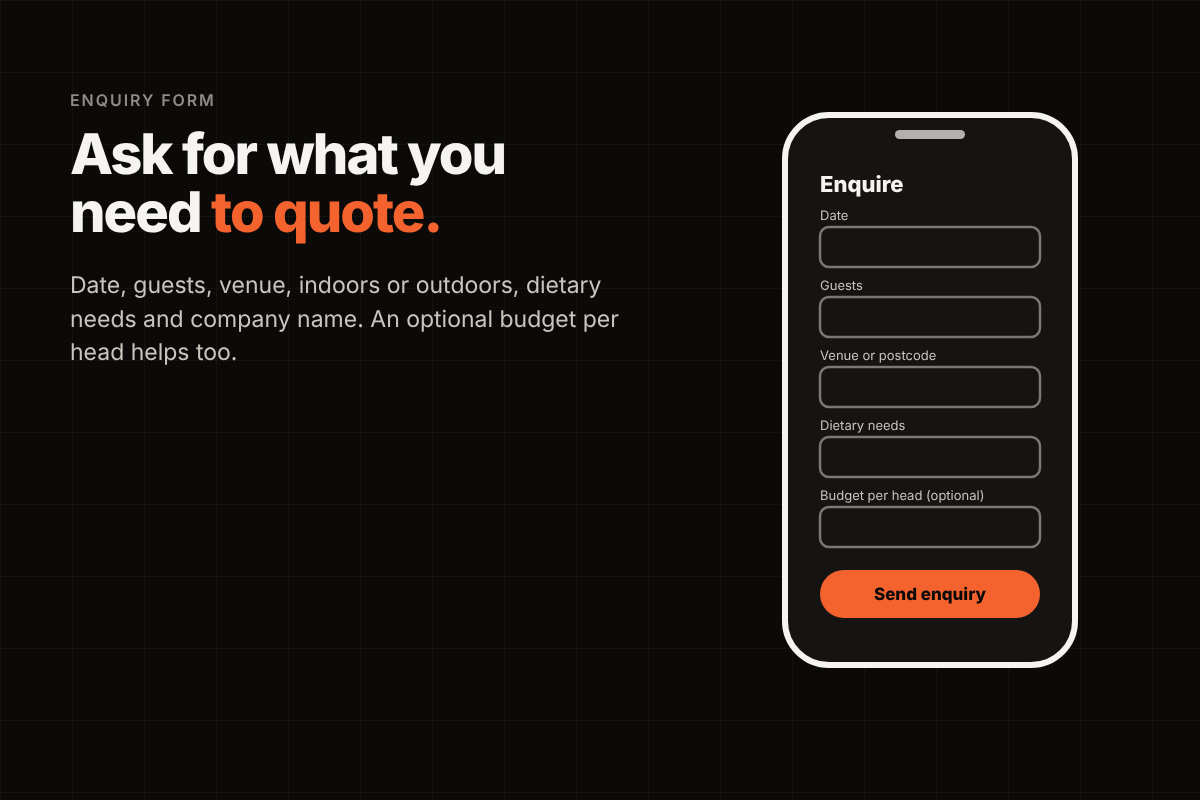
A general contact form tends to bring back a general message, and then a run of back and forth emails. A Christmas enquiry form can ask for the details you need to quote, without asking for so much that people give up.
The useful details are usually the date, rough guest numbers, the venue or postcode, whether it is indoors or outdoors, any dietary needs and the name of the company. An optional budget per head can help too. The form needs to work well on a phone, because many organisers will find you on one.
Getting the balance right between enough detail and a form people will finish is where the craft is. It is worth getting right, because every field shapes the enquiries you receive.
Most corporate organisers are booking someone they have not used before. Your page can do a lot of the reassuring for you.
Your own festive set up and food, taken at real events.
A few words about past office parties or corporate events you have catered, if you have them.
Reviews from customers, with their permission.
Your food hygiene rating, and your insurance details if you hold public liability cover.
This is the same trust that wins corporate work all year round, and the Christmas page is often the first time a business sees it. Mustard., a West Midlands burger trader and a Pitch to Private client, has a site at mustardstreetfood.co.uk with its own enquiry form, so people who find them can ask about a booking without having to send a message on social media first.
When the season ends, there is no need to take the page down. Keep the same address, change the heading to "Christmas 2027 bookings now open", and refresh the menu and dates when you are ready. Building on the same page each year means you are not starting from scratch every autumn, and returning customers know where to look.
If you would like a Christmas page added to your site, or a new website for your catering business with one built in, you are welcome to send an enquiry and we can talk through what would suit your business on a free 15-minute call.
Ideally by the end of October. Organisers who plan ahead start looking in October and November, and Feedr's guide to office Christmas catering advises booking as early as possible.
A "from" price per head or a starting package is usually enough. It helps an organiser with a set budget see that you fit, without you publishing a full price list.
In most cases, yes. It sits alongside your current pages with its own address, so you can link to it from your homepage and your Instagram bio.